How to Rename an ACF Flexible Content Layout Name
ACF stores Flexible Content layout names inside the serialized parent field value. Renaming a layout in the field group does not update those saved sequences. Replace exact old-name entries in each owned parent value, preserve row order and duplicate occurrences, verify the serialized result, then change the layout definition. Update get_row_layout() comparisons and matching template-part names. Field Renamer 0.2.0 performs this with raw-value snapshots and rollback against the latest row sequence.
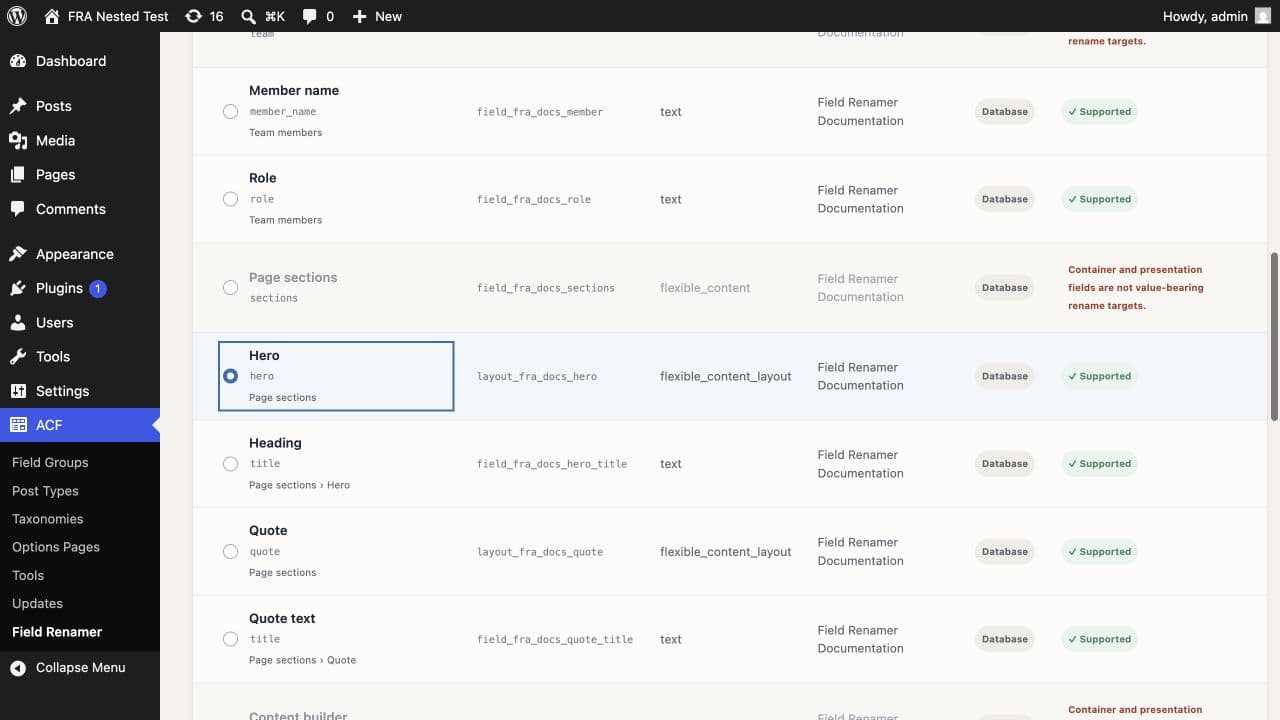
Find the layout name, not its label
ACF gives each layout a label, name, and stable layout key. Templates compare the name returned by get_row_layout(). This migration changes that name while preserving the layout key.
Understand the parent sequence
The Flexible Content parent value contains an ordered serialized array. Each entry names the layout used by that row. Child metadata uses numeric positions, so a layout-name rename should not touch the child keys.
sections = a:4:{i:0;s:4:"hero";i:1;s:5:"quote";i:2;s:4:"hero";i:3;s:5:"quote";}Do not run a blind string replacement against serialized values. PHP serialization stores string lengths, and the same word may appear in unrelated content.
Review affected values and occurrences
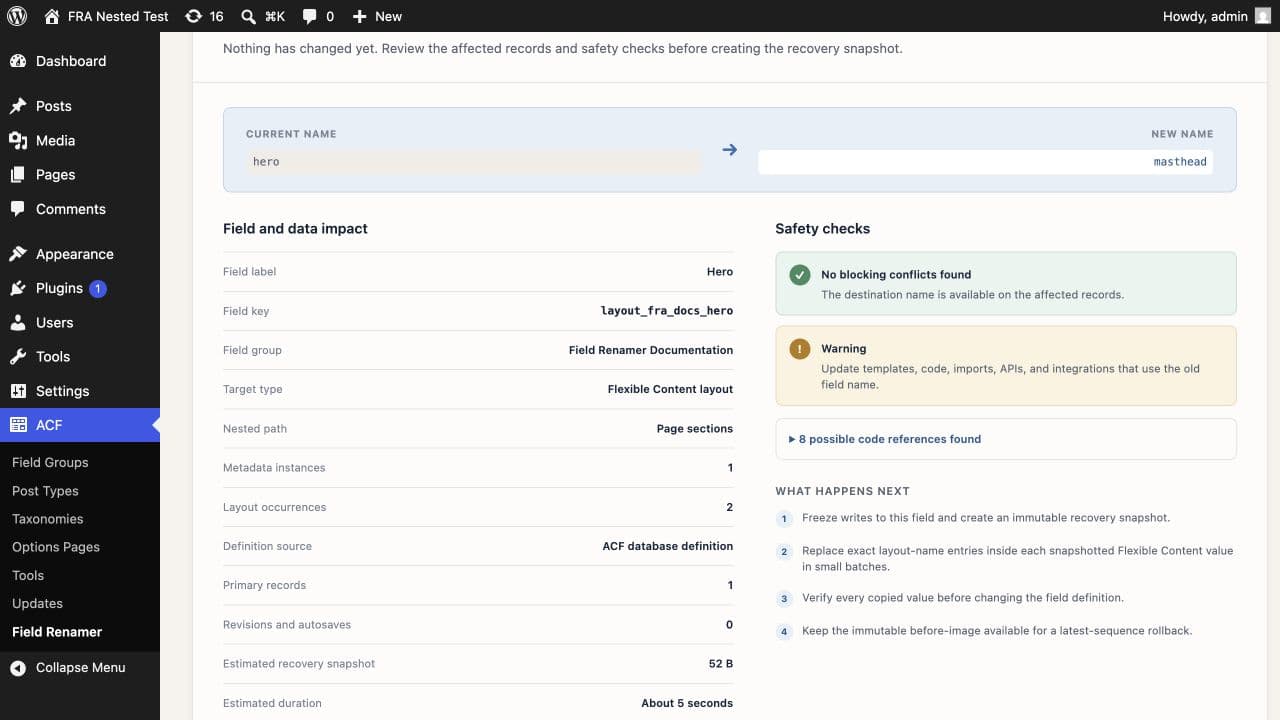
A safe preflight reads parent values owned by the selected Flexible Content field key, unserializes them, and counts entries that equal the old layout name. It refuses malformed values, unknown layouts, and ambiguous ownership.
Replace exact entries and verify the sequence
Field Renamer snapshots each raw parent value, replaces entries that exactly match the old name, serializes the array through WordPress, and reads it back. Row order, duplicate layout occurrences, and child values stay in place. The layout definition changes after verification.
A single post can contain the same layout several times. The impact review counts exact occurrences as well as affected parent values. See what the impact review shows →
Update get_row_layout and template dispatch
Change comparisons such as get_row_layout() === 'hero' to the new name. Rename template files when your dispatcher maps a layout name to a filename. Check JavaScript previews, render callbacks, CSS hooks, imports, and API consumers that expose the layout name.
Roll back without losing later row edits
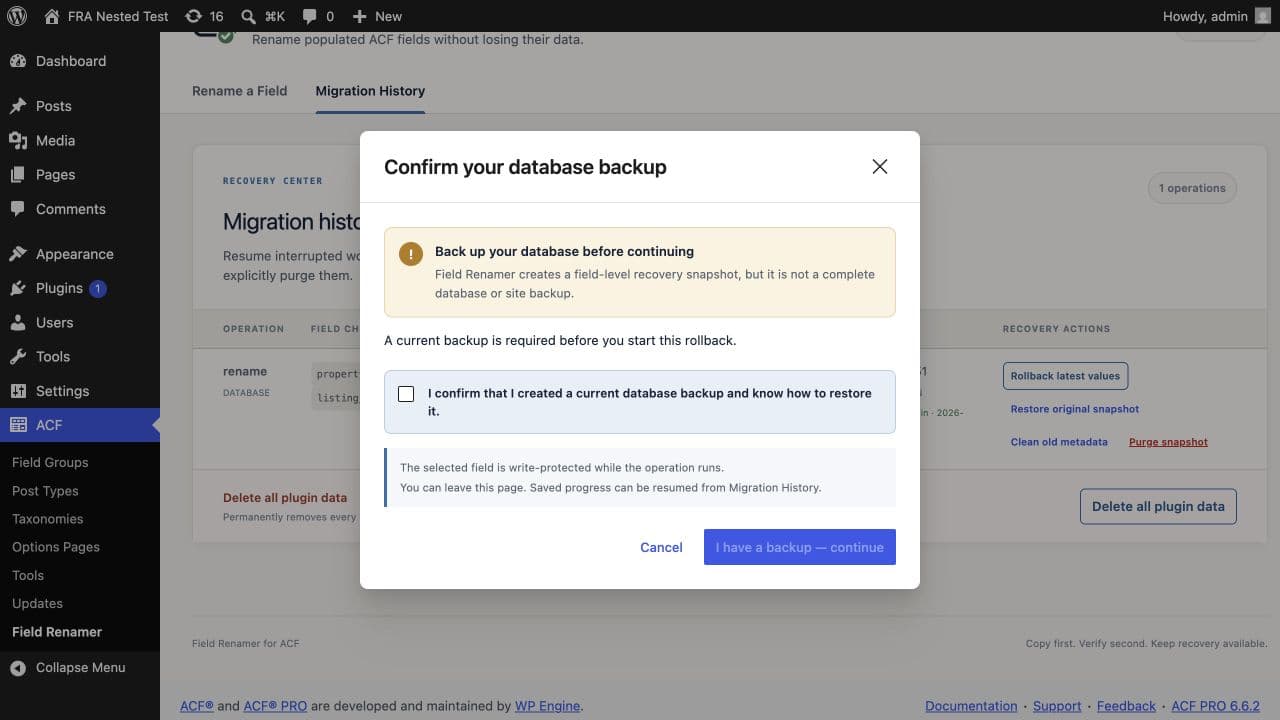
Normal rollback reads the current parent sequence and changes exact new-name entries back to the old name. Rows added, removed, duplicated, or reordered after the rename remain in their latest order. Original-snapshot restoration remains available when you need the pre-rename sequence instead.
The product documentation covers layout validation, Local JSON cutover, and recovery prerequisites. Read the layout documentation →
Common questions
Where does ACF store Flexible Content layout names?+
ACF stores the ordered layout-name sequence in the parent field value. Child postmeta keys use the parent name and numeric row index.
Will renaming a layout move its subfield values?+
The child values stay under the same numeric row paths. A correct layout rename changes exact entries in the parent sequence and leaves child metadata alone.
What code must I update after the rename?+
Update get_row_layout() comparisons, template dispatch maps or filenames, previews, render callbacks, and integrations that expose the layout name.
Can I roll back after editors reorder layouts?+
Yes. Normal rollback transforms the current sequence, so later row additions, deletions, and reordering remain intact.