ACF Field Data Disappeared After Renaming — How to Get It Back
Your data is not gone. Renaming an ACF field does not move or delete anything — the values are still in wp_postmeta under the old meta_key. The fastest fix is to change the field name back to exactly what it was; the content reappears immediately. Once it is visible again, do the rename properly by copying the data across first.
First: put the old name back
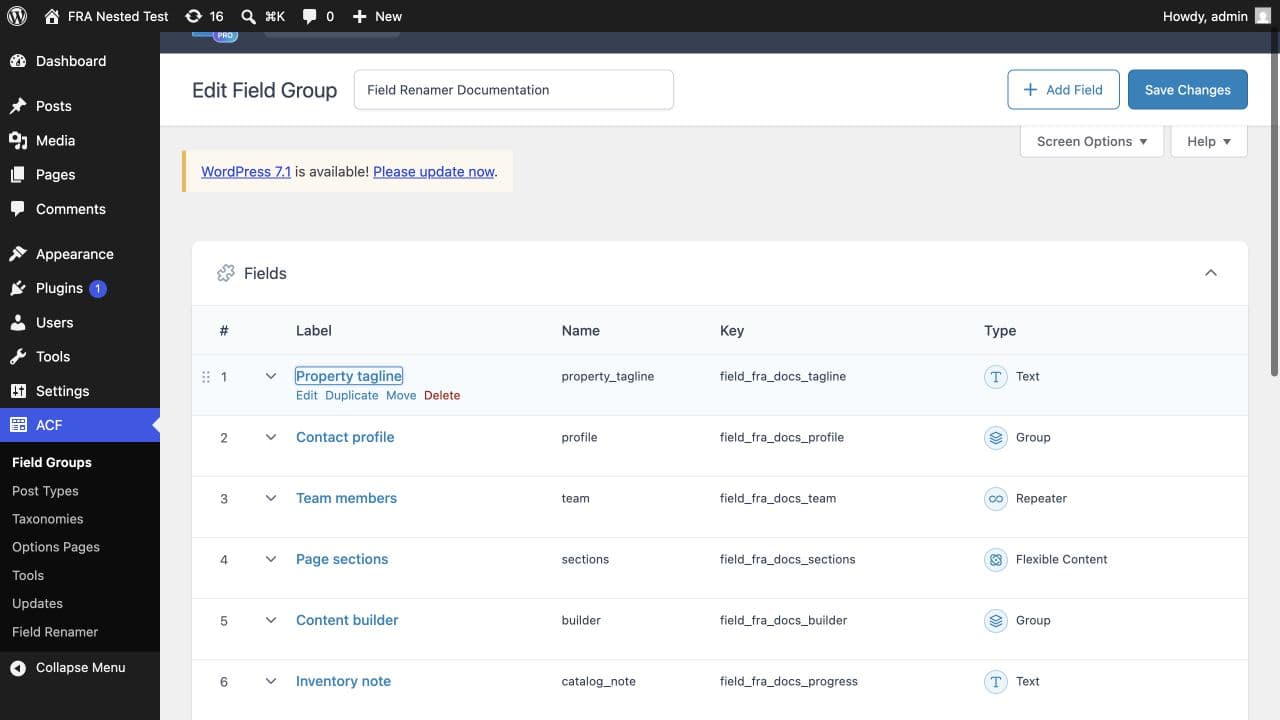
Go to Custom Fields → Field Groups, open the group, and set the field name back to its previous value, character for character. Save the group and reload a post. The values return, because they never left.
While the data looks missing, do not re-save posts, do not run a search and replace, and do not restore a backup over the top. Saving a post while the new field name is active writes an empty value under the new key — and that empty value is what turns a recoverable rename into a real conflict.
Confirm the rows are still there
If you have database access, this settles it in one query. Substitute your own table prefix and field names.
SELECT meta_key, COUNT(*)
  FROM wp_postmeta
 WHERE meta_key IN ('employee_phone','contact_phone')
 GROUP BY meta_key;
A count under the old name and nothing under the new one is the normal, fully recoverable case. Counts under both names mean something has written to the new key since the rename — those records need reconciling by hand rather than a blanket copy.
Why this happens
The field name is the meta_key your values are stored under. ACF changes the definition when you rename; it does not rewrite the rows already saved. Nothing warns you, and the field simply reads as empty everywhere.
Doing it properly, this time
You still need the rename. The second attempt has exactly the same failure mode as the first, so the order matters: copy the values to the new name first, confirm the counts match, and only then change the definition in ACF. Reversing those two steps is the whole bug.
Before you start, check whether anything wrote to the new key while the field looked broken. If someone saved a post during that window there is now an empty value sitting under the destination name, and a blanket copy will either skip that record or overwrite it depending on how you write the query. Neither is something you want to discover later.
You have now seen exactly what happens when a rename outruns its data. Field Renamer shows the affected record count before anything is written, flags records that already hold a destination value as blocking conflicts, reads every copied value back, and keeps the originals until you delete them yourself. See what the impact review shows →
If putting the name back did not work
Check that the name matches exactly, including underscores, and that you edited the right field group — Local JSON sites can load a different definition than the one you just edited in the admin. If the old rows really are absent, something ran a destructive replace or a cleanup, and a database restore is the honest answer.
Common questions
Is my ACF data actually deleted?+
Almost certainly not. Renaming a field changes the definition, not the stored rows. The values sit in wp_postmeta under the old meta_key until something explicitly deletes them.
Will renaming the field back restore everything?+
Yes, if nothing has written to the new name since. Set the field name to exactly its previous value, save the group, and reload a post.
Can I just restore a backup?+
You can, but you will lose every other change made since that backup. Renaming the field back is faster, reversible, and costs nothing — try it first.
Why did nobody warn me?+
ACF has no way to know whether you are renaming a field that has never been saved or one with thousands of values behind it. The field group editor treats both the same way.
What if some posts show data and others do not?+
Something has written to the new key on the posts that appear empty — usually a post that was saved while the rename was in effect. Those records need reconciling individually before any bulk copy.