This workflow covers database-managed top-level fields and supported nested subfields. Use the Local JSON workflow for JSON-owned definitions.
Before you start
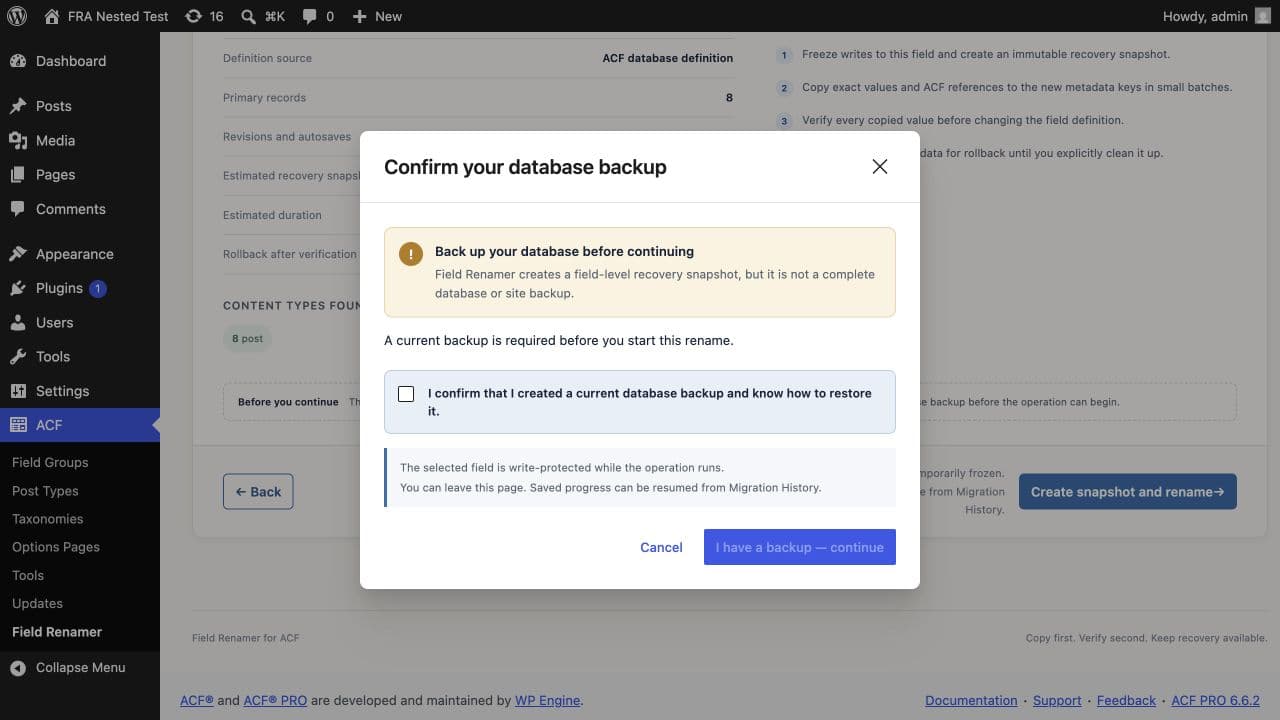
Create a complete database backup and confirm that you can restore it. Pause imports, webhooks, and direct SQL writers that may touch the field. The required confirmation blocks the migration until you acknowledge the backup.
Select the target
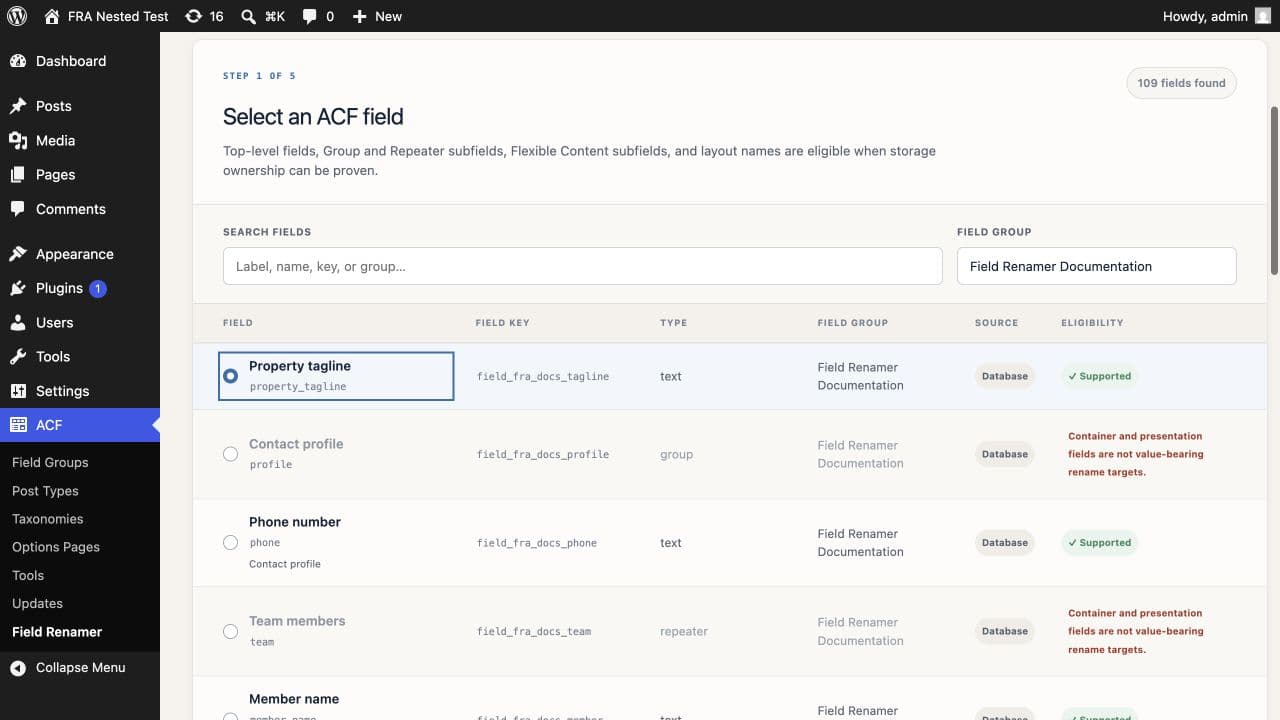
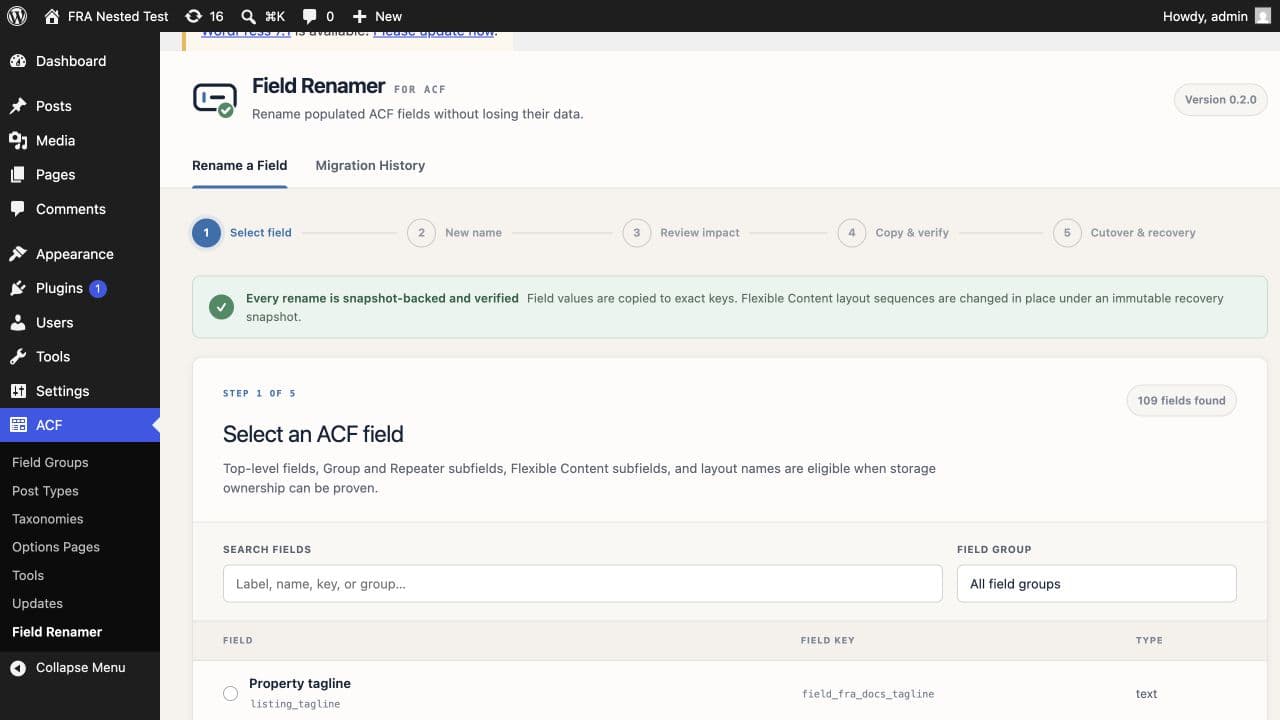
Open ACF → Field Renamer, choose the field group, then select an eligible field or layout. Field Renamer uses the stable field key and the complete parent path to distinguish nested fields that share a name.
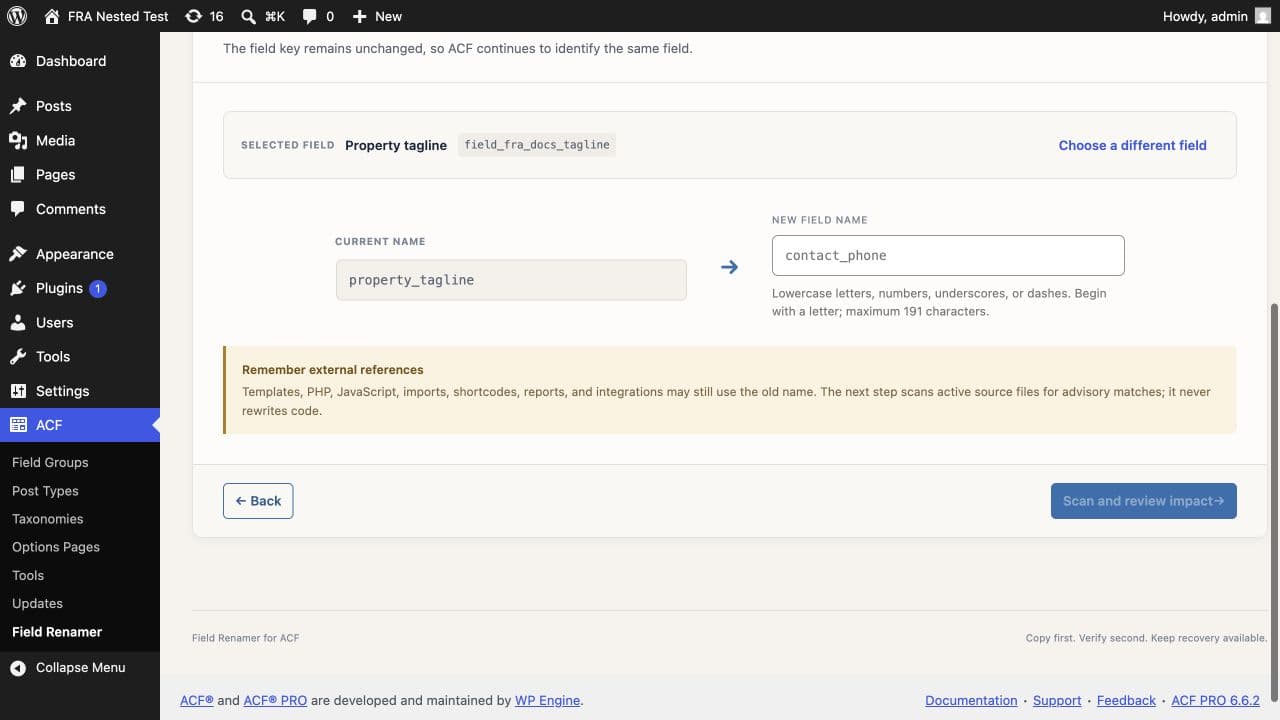
Enter the replacement name. It must start with a lowercase letter and contain lowercase letters, numbers, underscores, or dashes.
Review the impact
Check the definition source, affected posts, metadata instances, revisions, estimated snapshot size, estimated duration, warnings, and blocking conflicts. The scan does not write to the database.
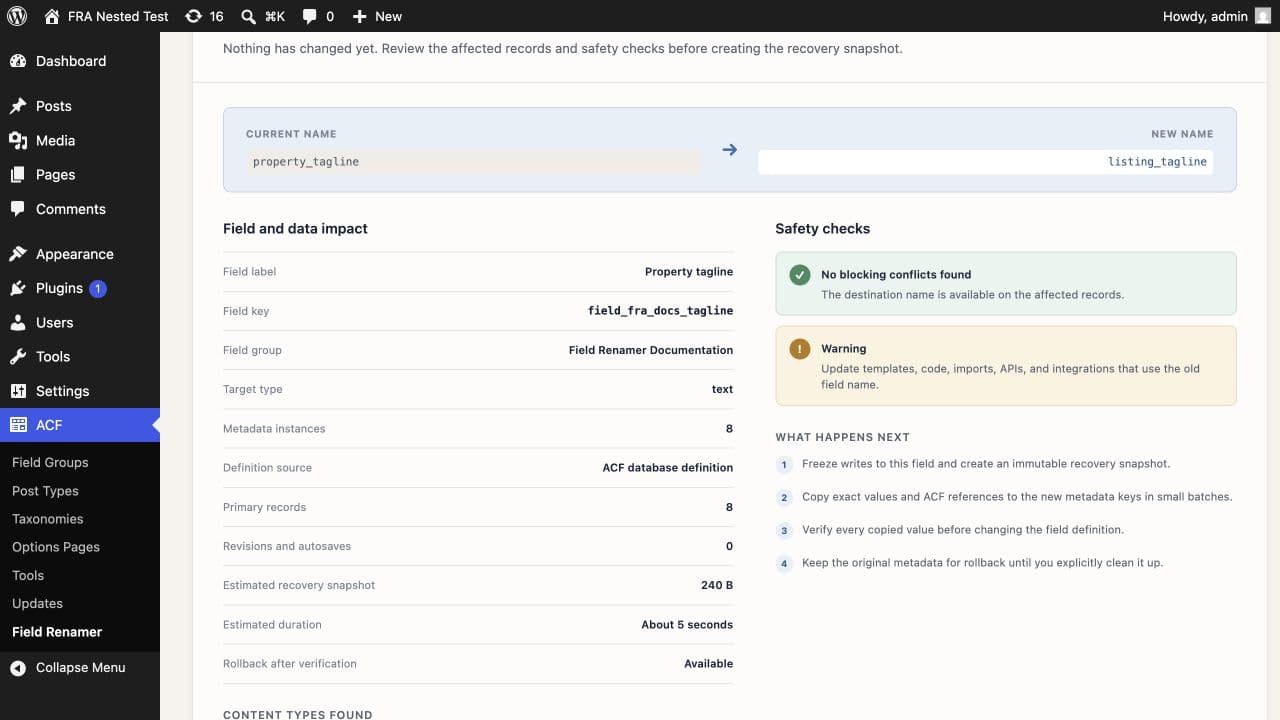
Resolve every blocking conflict before you continue. A warning may require a template or integration update after cutover.
Run and verify
Confirm the backup, then start the operation. Field Renamer freezes writes to the affected field, processes bounded batches, and saves progress after each batch. If the tab closes, reopen Migration History and resume from the saved state.
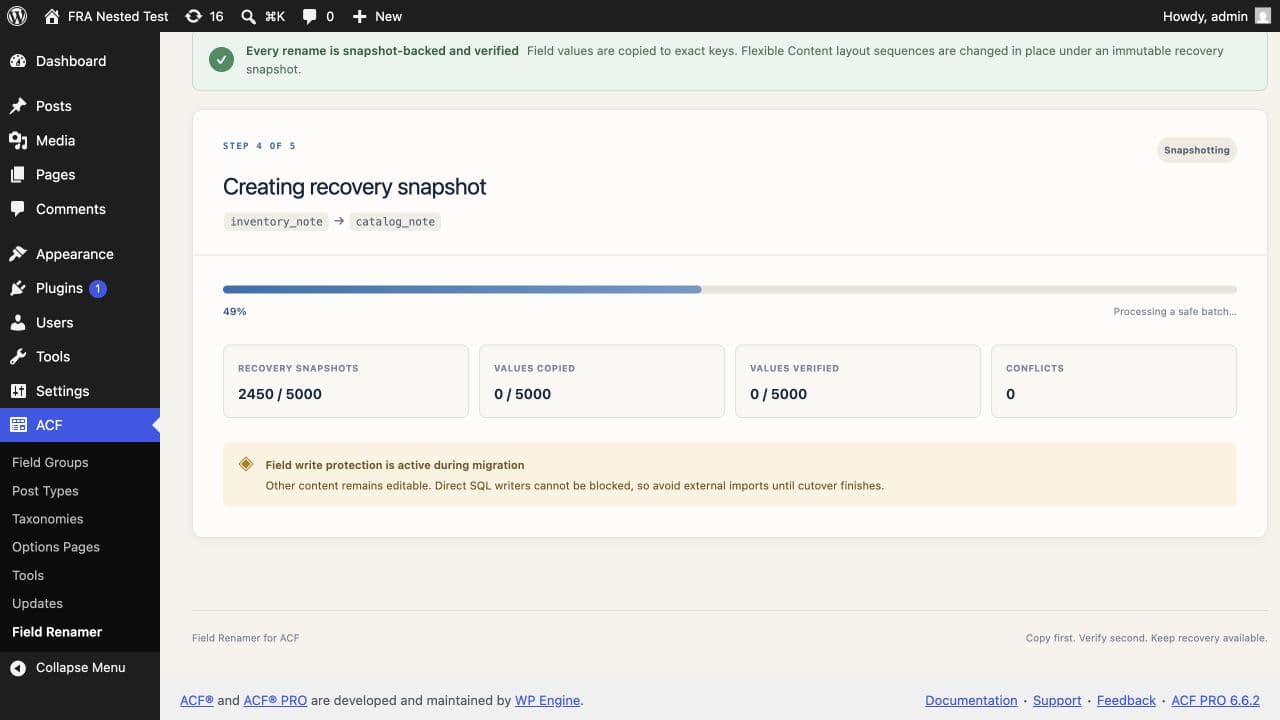
The operation switches the field definition only after it copies and reads back every recorded destination value. Keep the original metadata until you have checked the site and its integrations.
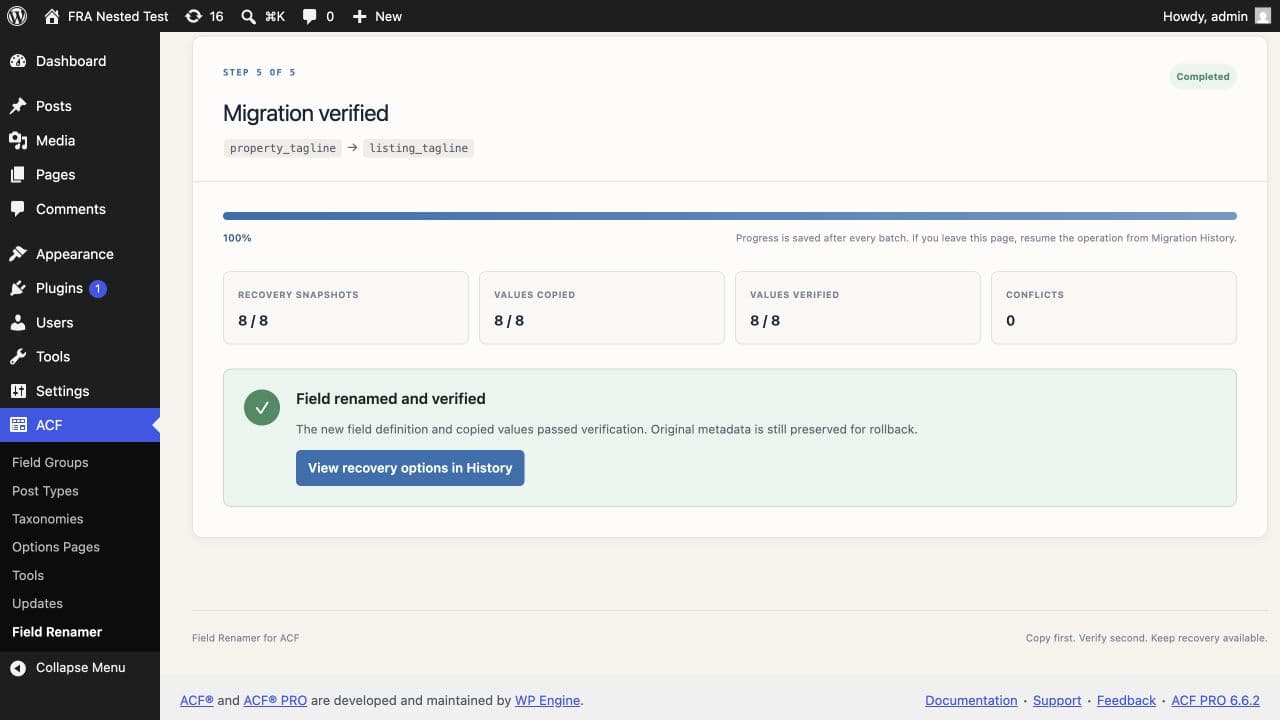
After cutover
Open representative posts and test templates, forms, imports, APIs, reports, and saved queries that used the old name. Migration History keeps rollback and snapshot-recovery actions available while their prerequisites remain valid.
Need to reverse the change? Choose the correct recovery method →