Verified: 28 August 2026 · Field Renamer 0.2.0
Normal rollback preserves later edits
Normal rollback snapshots the current values under the new name and copies those latest values back to the old name. It refuses missing or duplicate current pairs instead of exposing stale data. This is the normal choice after content has changed since cutover.
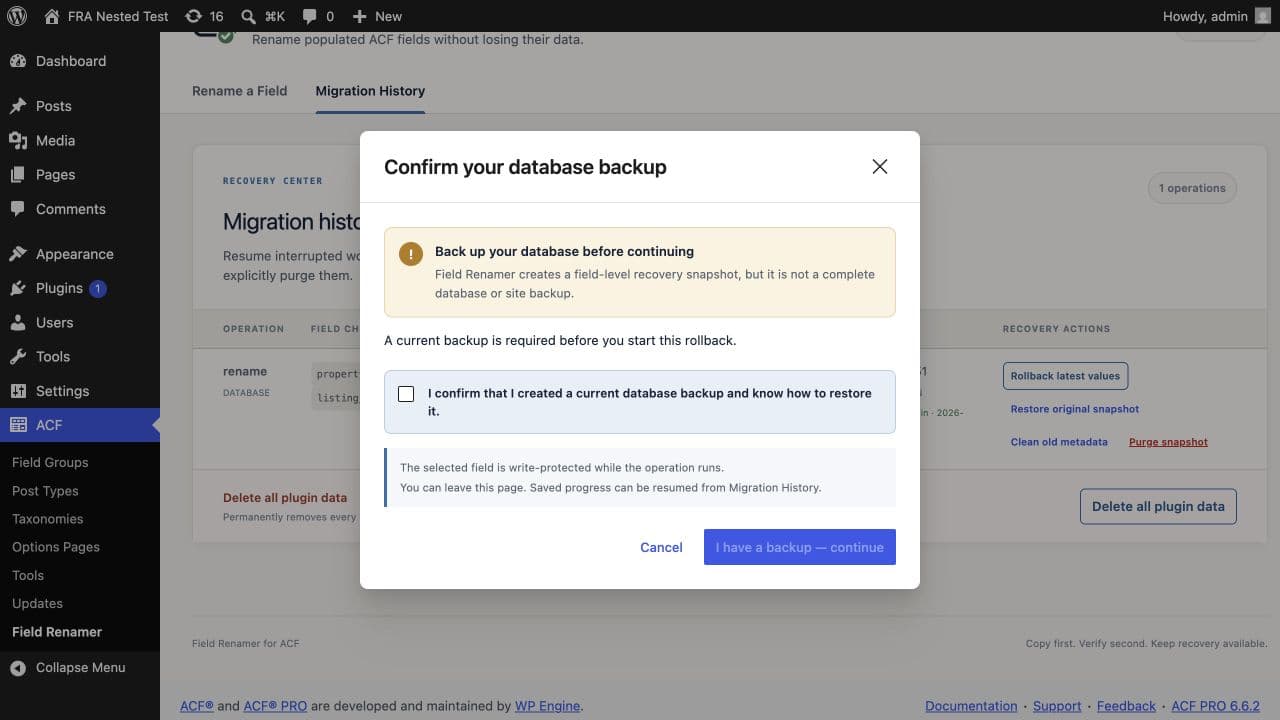
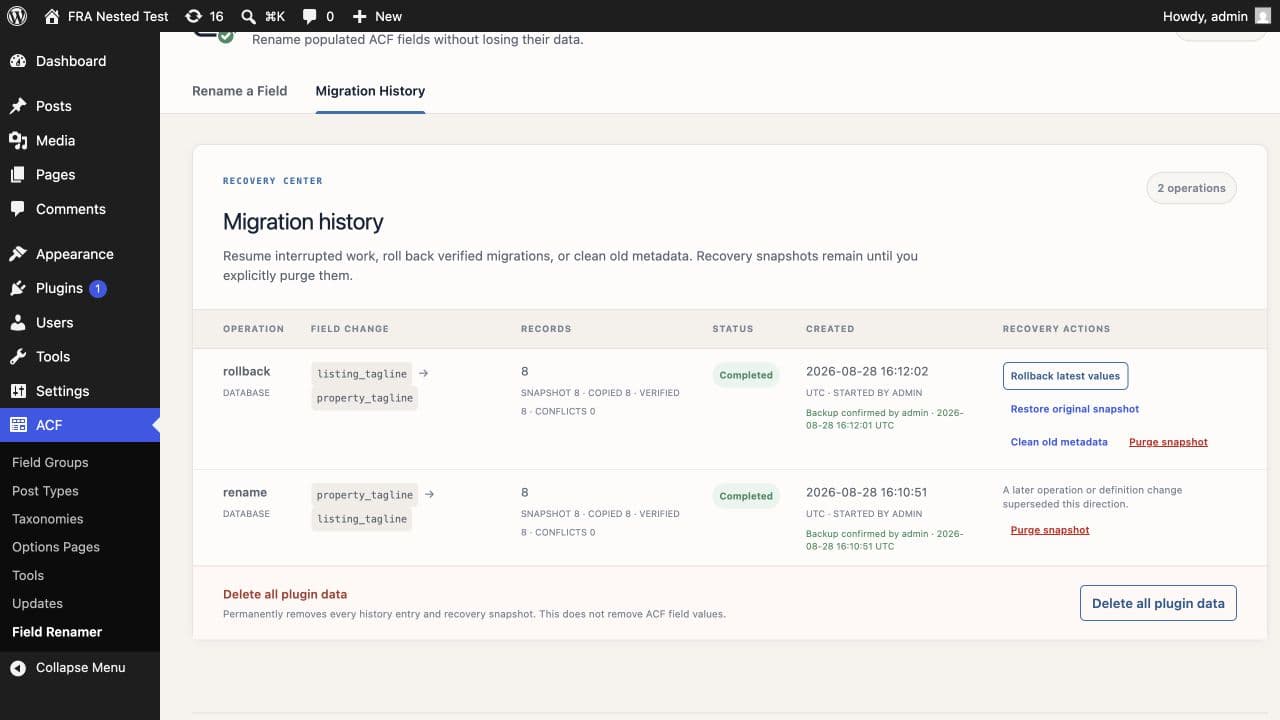
Restore original snapshot
This separate operation uses the immutable values captured before the original rename. It requires typing RESTORE because later edits may no longer be visible. It is unavailable after snapshot purge and refuses to run when new records are missing from the original snapshot.
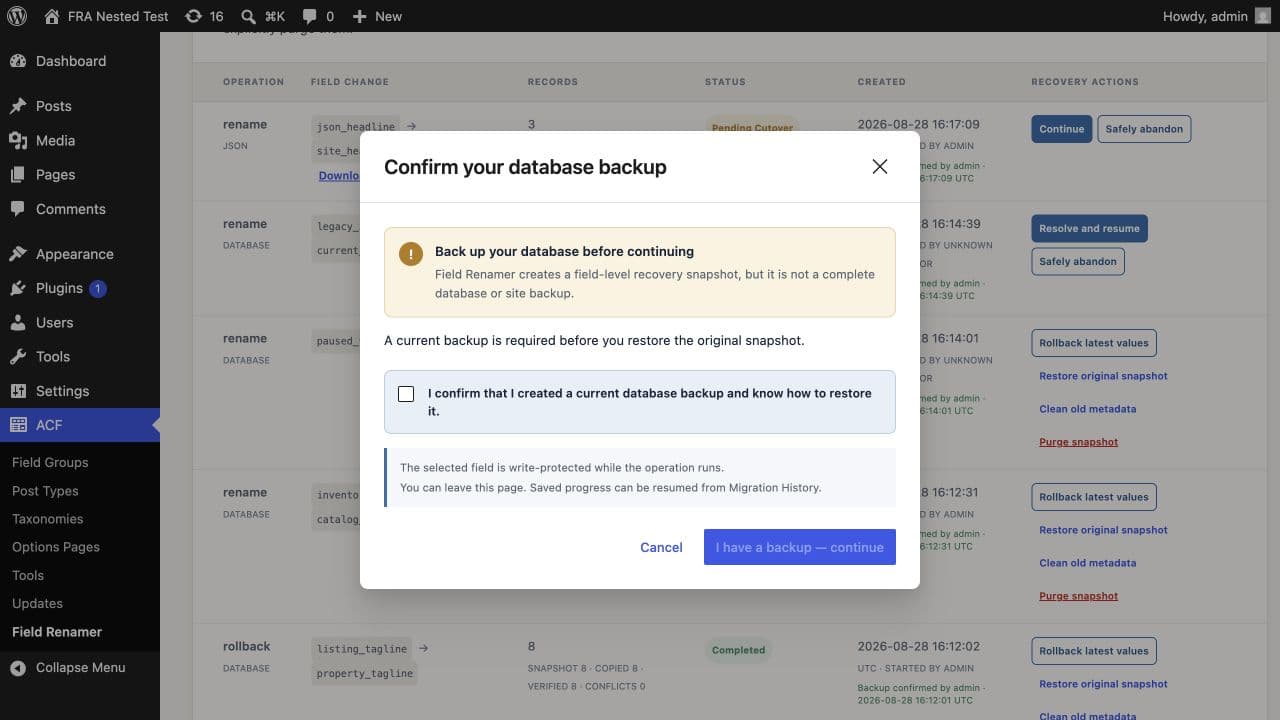
Use original-snapshot restoration only when you explicitly want the pre-rename values, not merely the old field name.
Recovery prerequisites
Recovery is offered only when the completed destination definition is still active, supported, and not locked by another operation. The plugin also checks exact current pairs and Local JSON ownership before creating the reverse operation.
Need help with this workflow? Open a support request →