How to Rename an ACF Group Subfield Without Losing Data
ACF saves a Group child under a combined parent_child postmeta key. Renaming phone inside a profile Group makes ACF read profile_contact_phone while the existing values remain under profile_phone. Copy the value row and its underscore field-key reference to the new complete path, verify both, then change the child definition. Field Renamer 0.2.0 supports this for eligible postmeta-backed Group children and supported deeper combinations.
Confirm the parent and child names
A Group field adds its name to each child metadata key. A Group named profile with a child named phone stores profile_phone. Nested Groups add more literal segments, so account_profile_phone represents a different path from profile_phone.
profile_phone    +1 312 555 0199
_profile_phone   field_profile_phone
Understand why the value appears missing
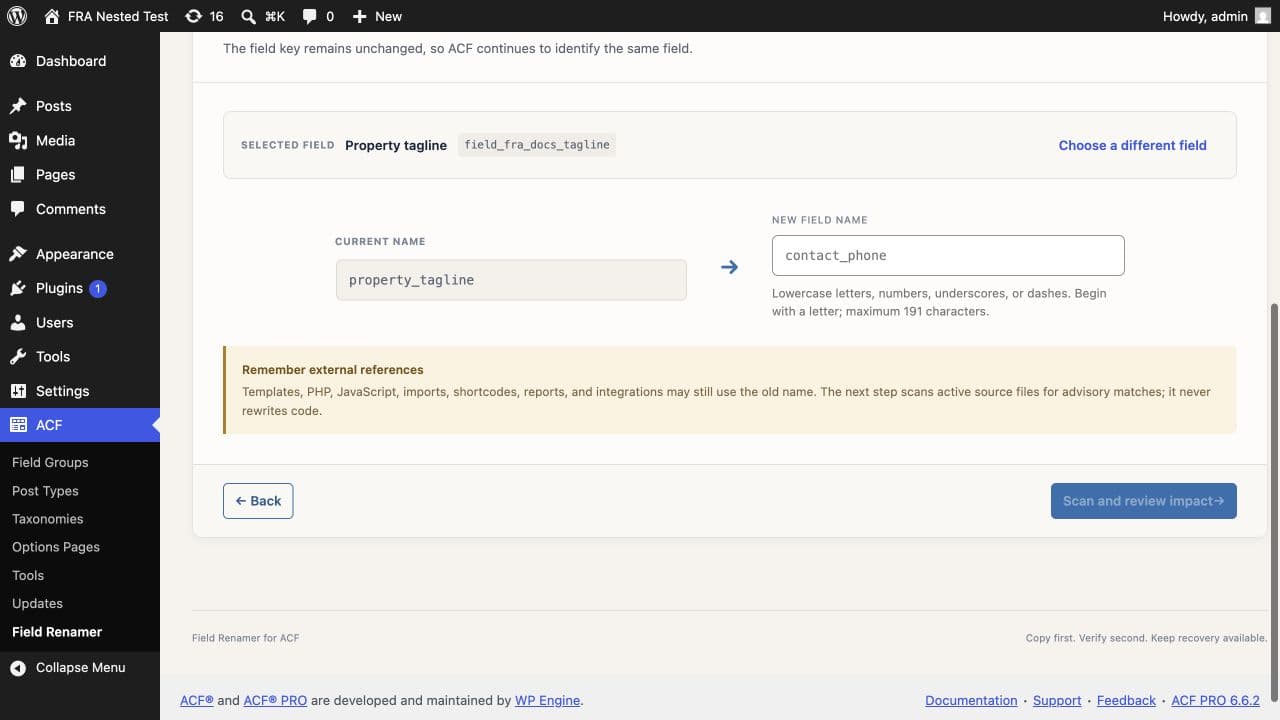
Change the child name to contact_phone and ACF asks for profile_contact_phone. WordPress does not move the existing row when you save the field group. The old value remains in wp_postmeta and reappears if you restore the previous child name.
Check ownership before copying
The same child name can appear under several Groups. Match the complete parent path and require the underscore reference to equal the selected child field key. A global search for _phone can mix unrelated fields.
Back up the database first. Do not save posts while the definition points at a new path that has not received the existing values.
Run the verified rename
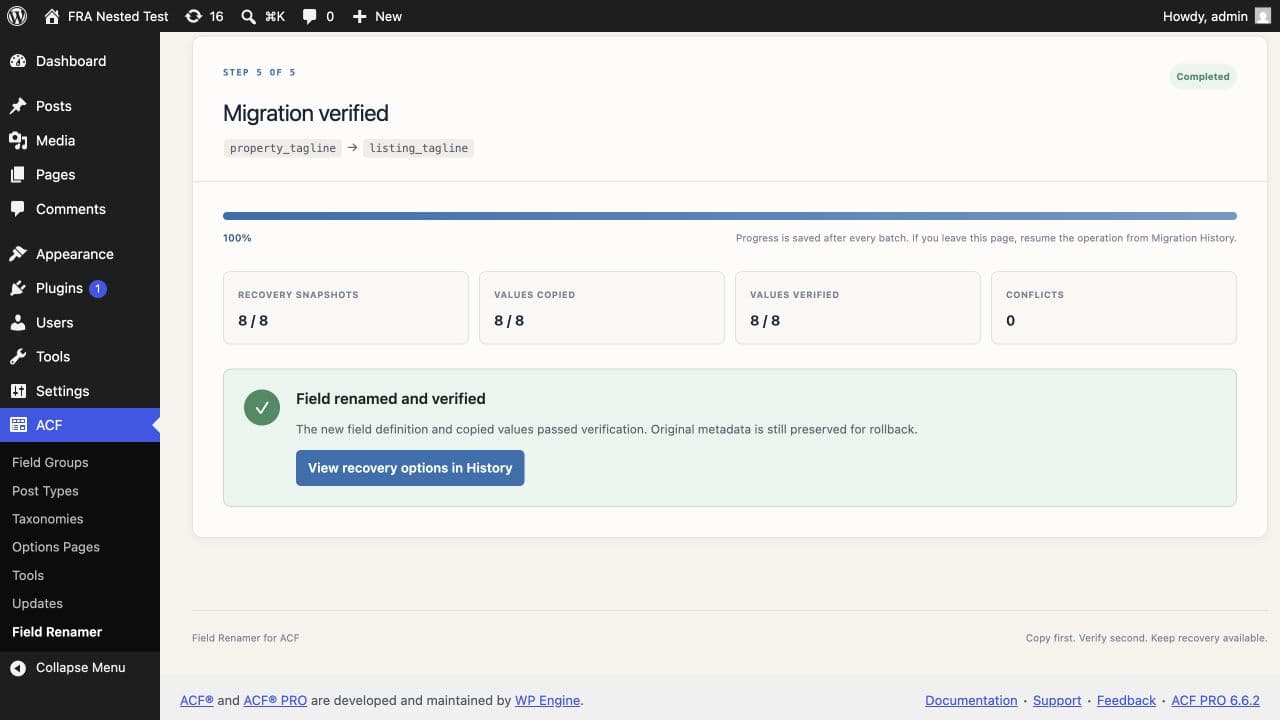
Field Renamer records the original raw value, copies the owned pair to profile_contact_phone and _profile_contact_phone, then reads the new rows back. The definition changes after verification. Cleanup remains optional, which gives you time to test templates and edit screens with the original rows preserved.
Update code that reads the Group
A call to get_field('profile') returns an array keyed by the child names. Update $profile['phone'] to $profile['contact_phone']. Also check get_sub_field(), import mappings, REST responses, and tests that assert the old array key.
Keep the Group container name stable
Changing profile itself changes the prefix of every child. Field Renamer 0.2.0 refuses that operation because one container rename can span many field definitions and storage paths.
The eligibility reference lists supported child targets and the container structures that remain blocked. Check field eligibility →
Common questions
How does ACF store a Group subfield?+
ACF joins the parent and child names with an underscore, then stores a second underscore-prefixed reference row containing the child field key.
Can two Group children share the same name?+
Yes. Their parent paths distinguish them. A safe rename uses the complete path and the child field key rather than the child name alone.
Can I rename a deeply nested Group child?+
Field Renamer 0.2.0 supports eligible value-bearing children through supported Group, Repeater, and Flexible Content ancestry when it can prove the full path.
Can I rename the Group container?+
No. Version 0.2.0 blocks Group container renames because the parent name prefixes every descendant key.