Verified: 28 August 2026 · Field Renamer 0.2.0
Install on one site
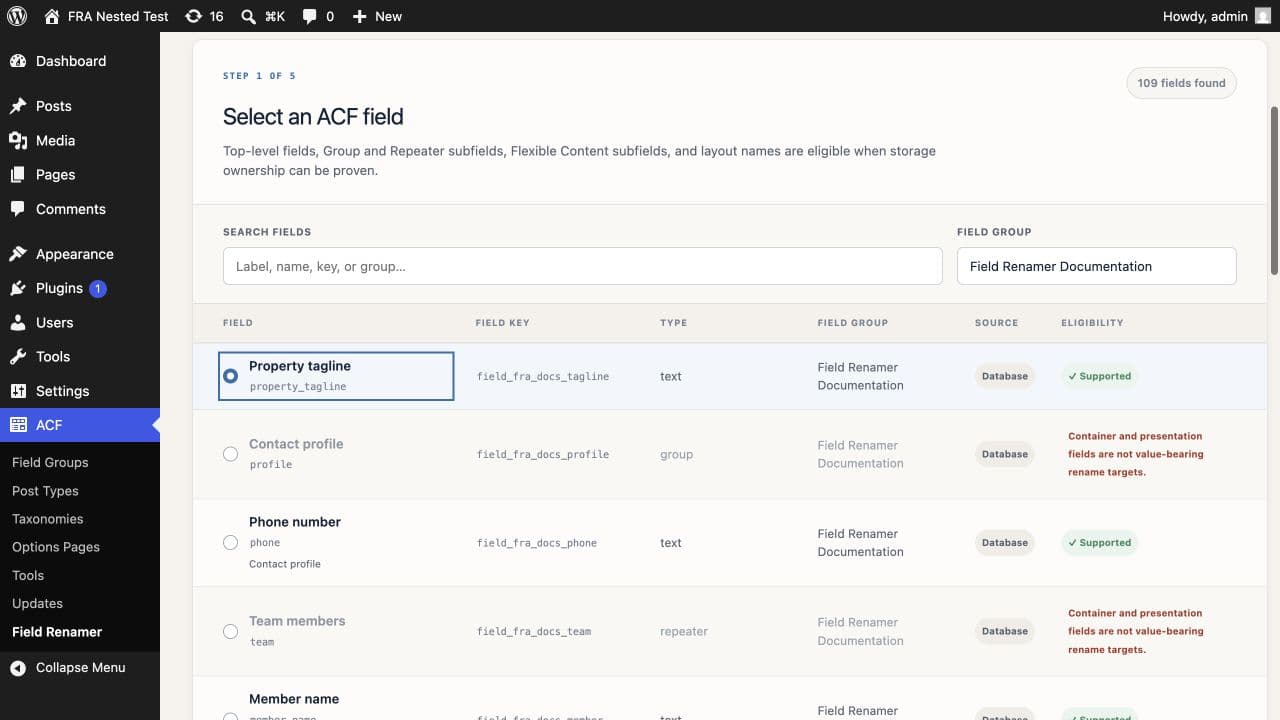
Upload the production plugin archive, activate Field Renamer for ACF, then open ACF → Field Renamer. Activation creates site-prefixed migration tables and grants administrators the manage_acf_field_renames capability.
- Activate it on an individual site or multisite subsite.
- Do not network-activate it; version 0.2.0 refuses network-wide activation.
- Make sure ACF or ACF PRO 6.3+ is active before using the migration screen.
Licensing is separate from migration safety
Release builds can initialize Freemius for checkout, licensing, account, update, and support access. The migration domain does not call Freemius or gate scan, copy, verification, rollback, cleanup, Local JSON recovery, or history on a license response.
The public repository does not contain production Freemius credentials. They must be injected into the production build or environment.
Prepare the site
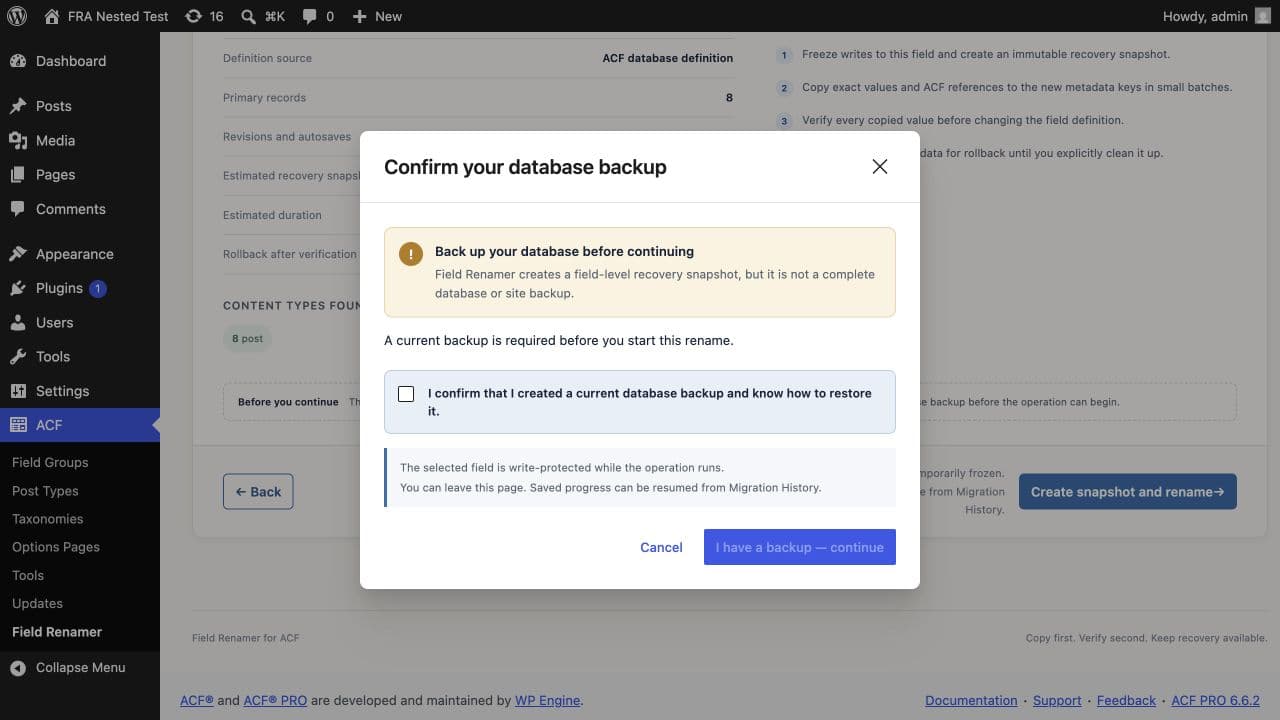
Take a complete database backup. Stop imports and schedule a quiet maintenance window when external systems may write post metadata directly with SQL. WordPress and ACF write hooks protect the affected field during an active operation, but direct SQL bypasses those hooks.
- Confirm the field is eligible.
- Update templates, imports, APIs, reports, and integrations after cutover.
- Treat plugin snapshots as targeted recovery data, not as a full-site backup.
Need help with this workflow? Open a support request →